
One of the most frequent questions we receive at Aufiero Informática is: Do I need Metashape Standard or Professional? The answer depends on what you’re going to use the software for. Both editions share the same Agisoft photogrammetric engine, but their capabilities differ significantly. In this article, we’ll help you decide without any fuss.
What they have in common
Before looking at the differences, it’s important to understand that both editions use the exact same processing algorithm. This means that the quality of the 3D models, point clouds, and orthophotos is identical in both versions . You won’t get better visual results with Professional if all you need is 3D modeling.
Both editions include:
- Image alignment and photogrammetric triangulation
- Generating and editing dense point clouds
- 3D model generation and texturing
- Generation of orthomosaics and digital surface models (DSM/DTM)
- Support for frame and fisheye cameras
- Video Import
- GPU acceleration
- Measuring tools (distances, areas, volumes)
- Flythrough video rendering
- 3D PDF export and direct upload to online platforms
- 30-day free trial
- Perpetual license (no expiration date)
- Available on Windows, macOS, and Linux
What does Professional have that Standard doesn’t?
Herein lies the core of the decision. The Professional edition incorporates tools designed for professional workflows in surveying, GIS, agriculture, and applied sciences:
Advanced Georeferencing
- Support for ground control points (GCPs) and checkpoints
- Georeferencing using flight logs and/or GCPs
- Automatic detection of coded and uncoded targets
- Support for markers and scale bars
Special data processing
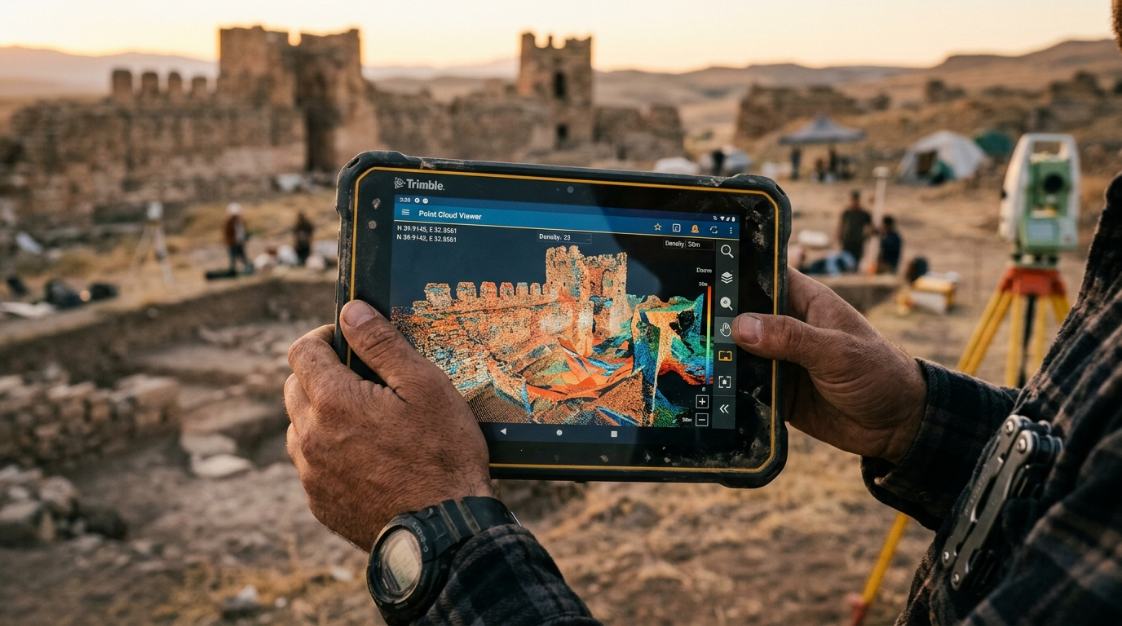
- Multispectral and thermal imaging (essential for precision agriculture and environmental analysis)
- LiDAR data (integration with laser scanner point clouds)
- Satellite image processing
- Images scanned with fiducial watermarks
- Multi-camera systems
- Support for spherical and cylindrical cameras
Advanced analysis and measurement
- Calculation of vegetation indices NDVI and other indices
- Automatic detection of high voltage lines
- Point cloud classification (ground, vegetation, buildings, etc.)
- Generation of contour lines
- Orthomosaic sequence editing
- DEM Edition
Automation and distributed processing
- Integrated Python scripting for automating workflows
- Python standalone module and Java library for integration with other systems
- Headless operation (without a graphical interface, for automated pipelines)
- Network processing (distributed across multiple computers)
- Cloud processing
Licenses
- Floating license option (only available in Professional)
- Service provider license (annual / pay-per-use)
Complete comparison table
| Function | Standard | Professional |
|---|---|---|
| Core photogrammetric processing | ✅ | ✅ |
| 3D models and texturing | ✅ | ✅ |
| Orthomosaic and DEM/DSM generation | ✅ | ✅ |
| Basic measurements | ✅ | ✅ |
| GPU acceleration | ✅ | ✅ |
| 30-day free trial | ✅ | ✅ |
| GCP checkpoints | ❌ | ✅ |
| Georeferencing with flight log | ❌ | ✅ |
| Multispectral/Thermal Imaging | ❌ | ✅ |
| LiDAR Support | ❌ | ✅ |
| Satellite images | ❌ | ✅ |
| NDVI and other vegetation indices | ❌ | ✅ |
| Point cloud classification | ❌ | ✅ |
| Contour lines | ❌ | ✅ |
| Detection of high voltage lines | ❌ | ✅ |
| Integrated Python scripting | ❌ | ✅ |
| Network/cloud processing | ❌ | ✅ |
| Floating license | ❌ | ✅ |
Which one do I need based on my use case?
I chose Metashape Standard if:
- You create 3D models for video games, film, virtual reality, or design
- You document objects, pieces or cultural heritage without the need for georeferenced coordinates
- Are you a student or researcher and don’t need to export GIS data?
- You work on creative or architectural visualization projects
- You’re starting out with photogrammetry and want a powerful tool without overpaying.
I chose Metashape Professional if:
- Are you a surveyor, land surveyor, or do you work with drone flights for mapping?
- You need to use GCPs to georeference with centimeter-level accuracy.
- You work with multispectral or thermal images (agricultural drones, environmental analysis)
- You integrate data with GIS software such as ArcGIS or QGIS
- You need to automate workflows with Python
- You work with LiDAR data along with photogrammetry
- Your company needs multiple users working on a network with a floating license.
- You process satellite images
Specific cases to finalize the decision
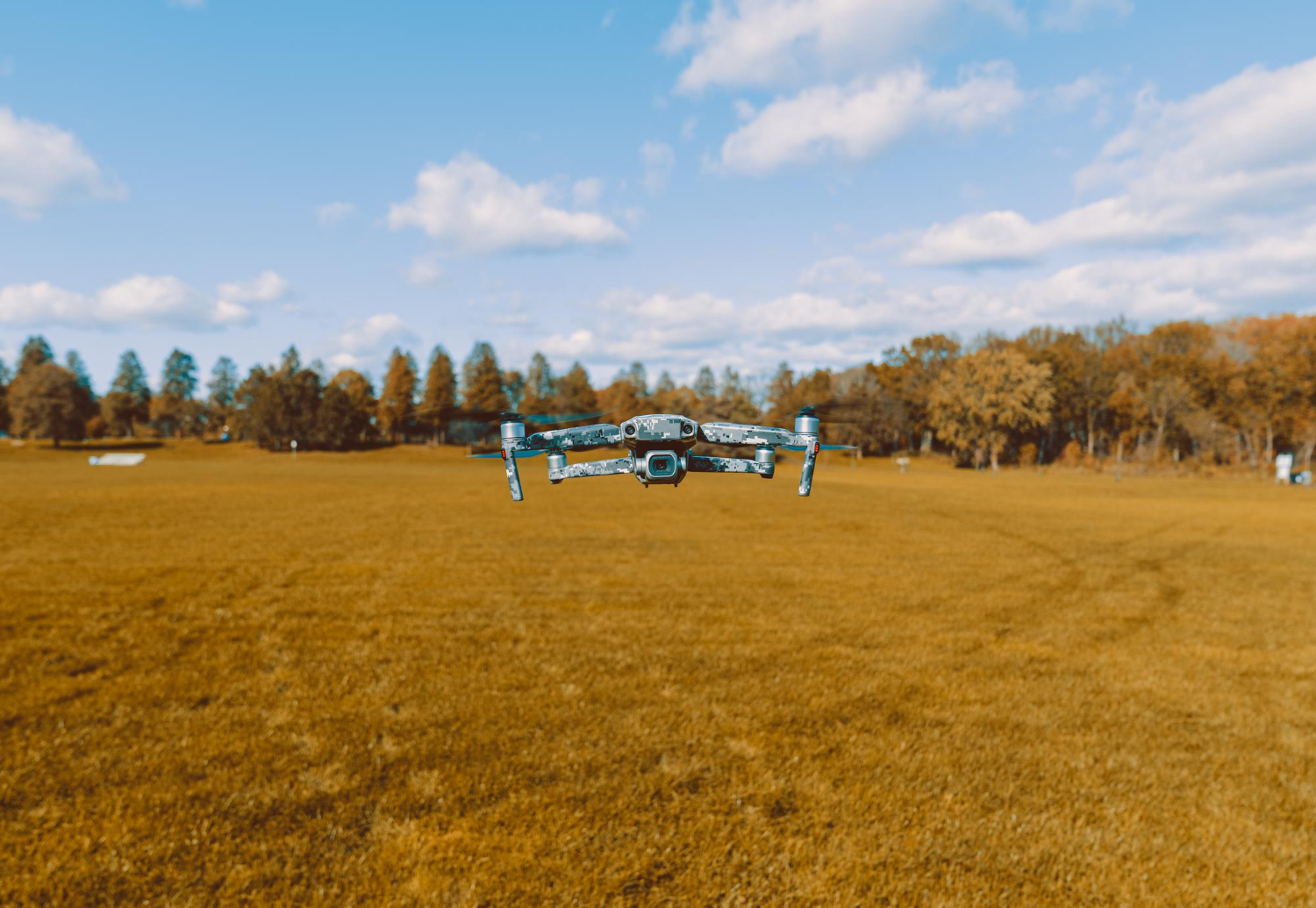
“I have a DJI drone and I want to map agricultural fields with a multispectral camera”
→ Professional . Multispectral processing and NDVI calculation are exclusive to this edition.
“I’m an architect and I want to create 3D models of buildings and structures for presentations”
→ Standard is sufficient. You don’t need GIS or georeferencing.
“I work in surveying and need to generate georeferenced orthophotos and DTMs for a client”
→ Professional . GCPs and export in GIS formats are essential.
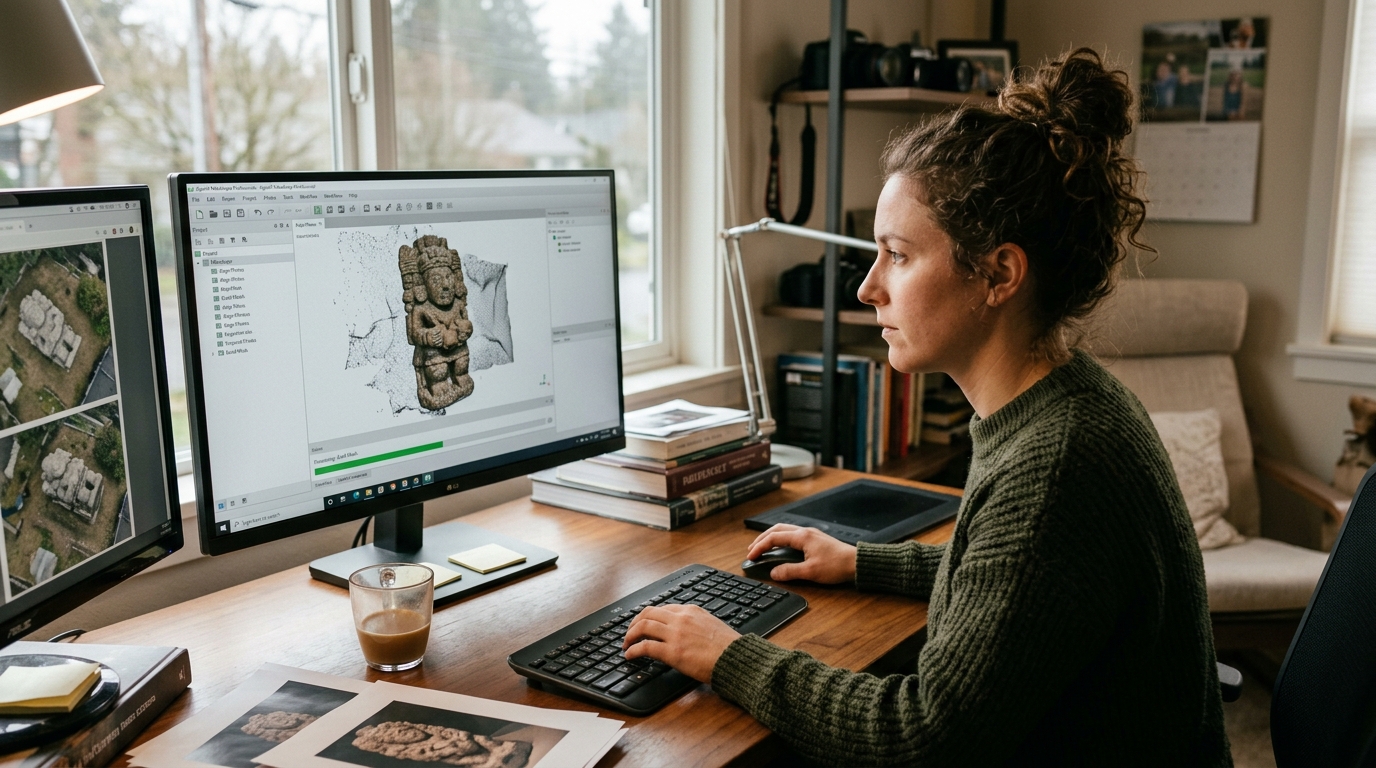
“I’m an archaeologist and I want to digitize artifacts and sites for archiving”
→ It depends. If you only need high-quality 3D models without georeferencing, Standard is sufficient. If you need real-world coordinates and export to GIS, then Professional is the option .
“I want to learn photogrammetry from scratch”
→ Start with the 30-day free trial of the Professional edition. This way you can explore everything before deciding.
Conclusion
The Standard edition is an exceptionally powerful tool for creating, visualizing, and documenting 3D models without geospatial requirements. At USD 179, it offers one of the best price-to-performance ratios on the market.
The Professional edition is the ideal choice for any professional requiring topographic accuracy, GIS integration, automation, or specialized data processing. The price increase is significant, but the additional capabilities justify the investment for professional use.
If you still have doubts about which one best suits your workflow, at Aufiero Informática we can advise you without obligation.
👉 View Metashape Standard at Aufiero Informática
👉 View Metashape Professional at Aufiero Informática
Frequently Asked Questions
Can I upgrade from Standard to Professional later?
Yes. Agisoft offers upgrade options between editions. Contact us at Aufiero Informática for current terms and conditions.
Does the educational version have fewer features than the commercial version?
No. Educational licenses are technically identical to commercial licenses, but they do not allow use in projects for commercial purposes.
Can I install Metashape on more than one computer with a single license?
With the Node-Locked license, you can use it on one computer at a time, but you can transfer it to another computer when needed. If you need to use Metashape on multiple computers simultaneously, the floating license (Professional only) is the solution.